Case study 04
Olive
Cooking for a house with dietary constraints is a weekly challenge, so I built the app to make it easier, having never written a line of mobile code before.
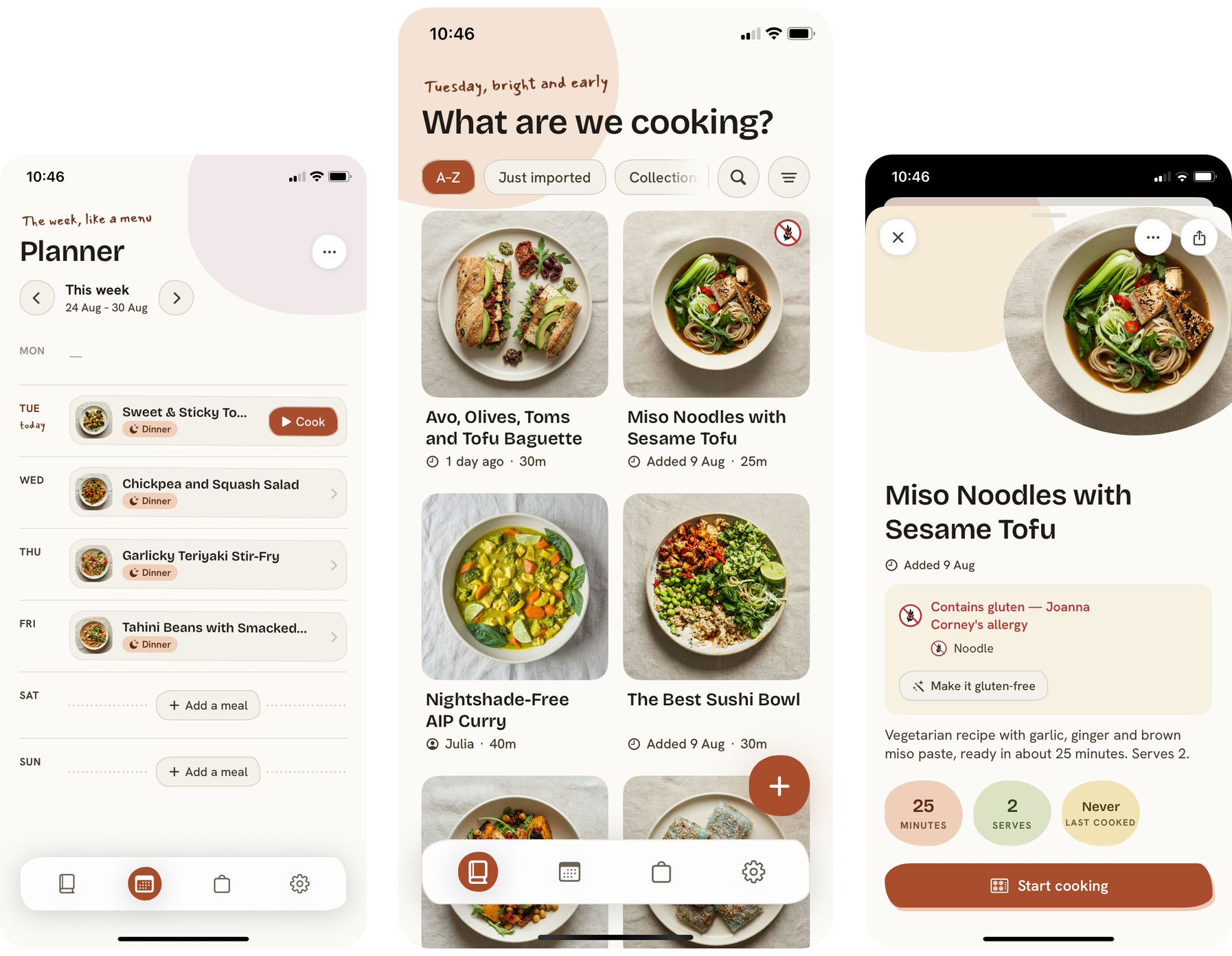
A cooking app that captures any recipe, plans the week and builds the shop around how a household actually eats, with the AI kept well away from anything it could get dangerously wrong. My first mobile app, built solo and entirely with AI, owning every decision from the product down to the code. Live in TestFlight and heading to the App Store.
What I built
- A capture pipeline that turns a photo, a website or an Instagram post into one clean structured recipe
- A deterministic voice and quantity system a language model is never allowed to touch
- An evaluation harness of forty-plus frozen fixtures that guards every change to extraction
- A weekly planner and an aisle-grouped shopping list that learns how the household shops
- Household sync that aggregates everyone to the strictest dietary profile in the house
- The whole app, my first, built solo and entirely with AI, live in TestFlight
Teaching it to see a recipe
People keep recipes everywhere. The capture pipeline brings them all into one format, spending as little as possible along the way.
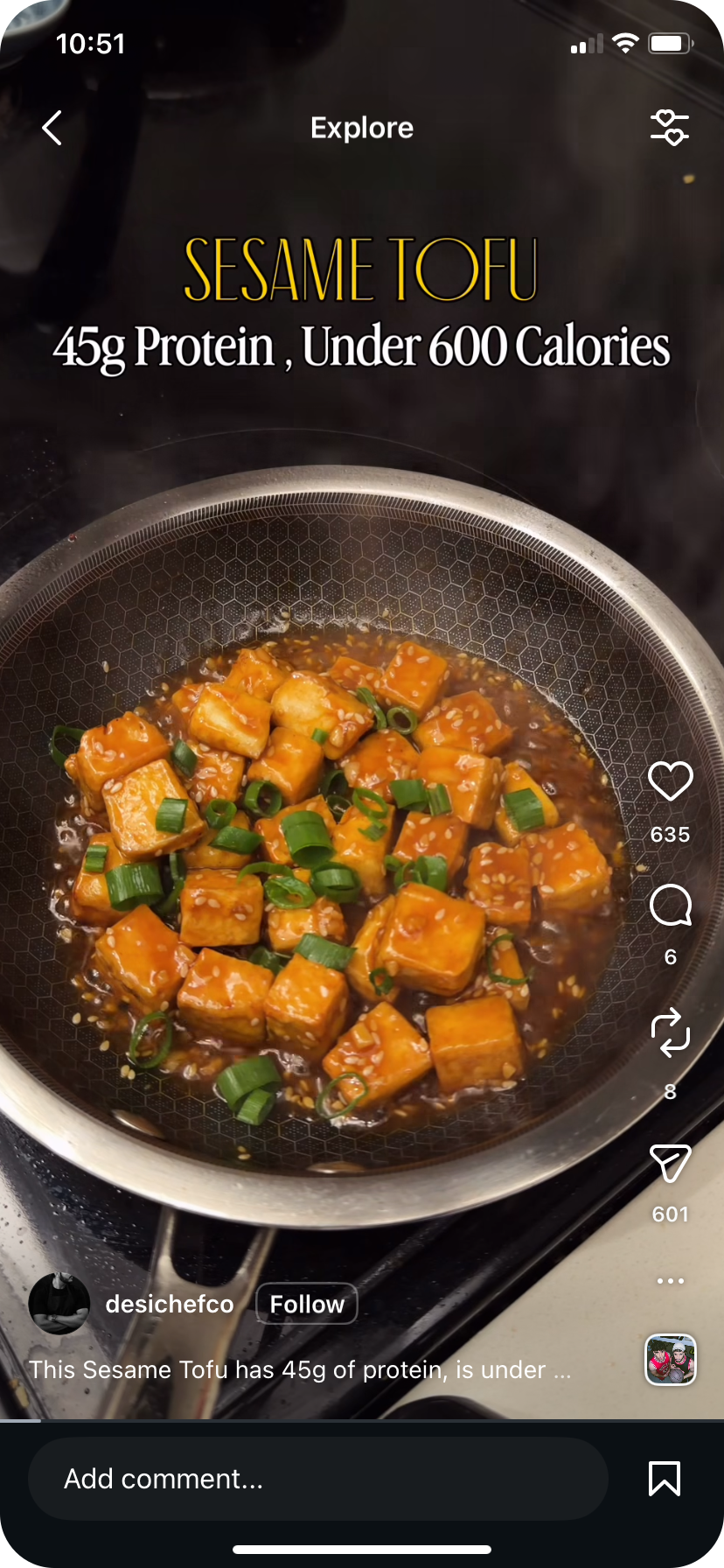
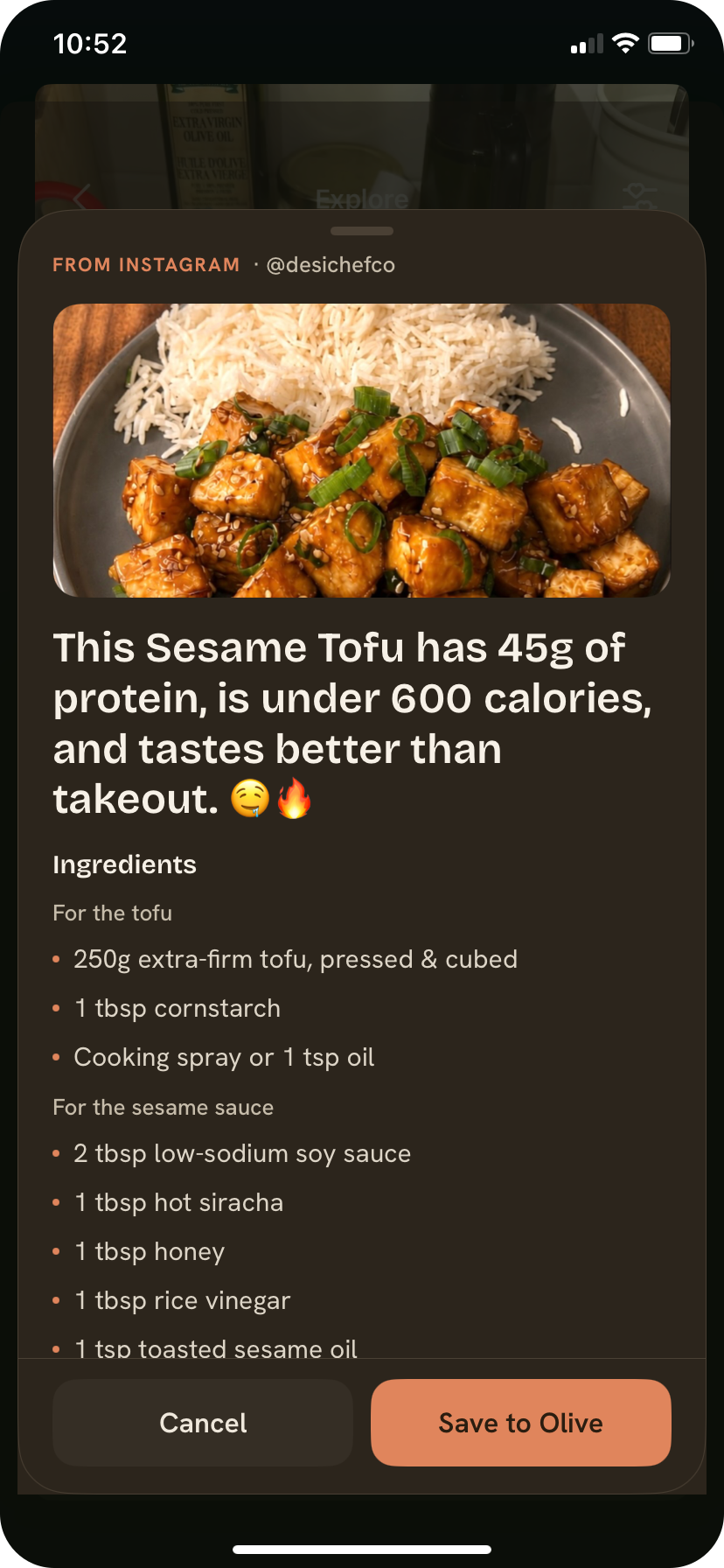
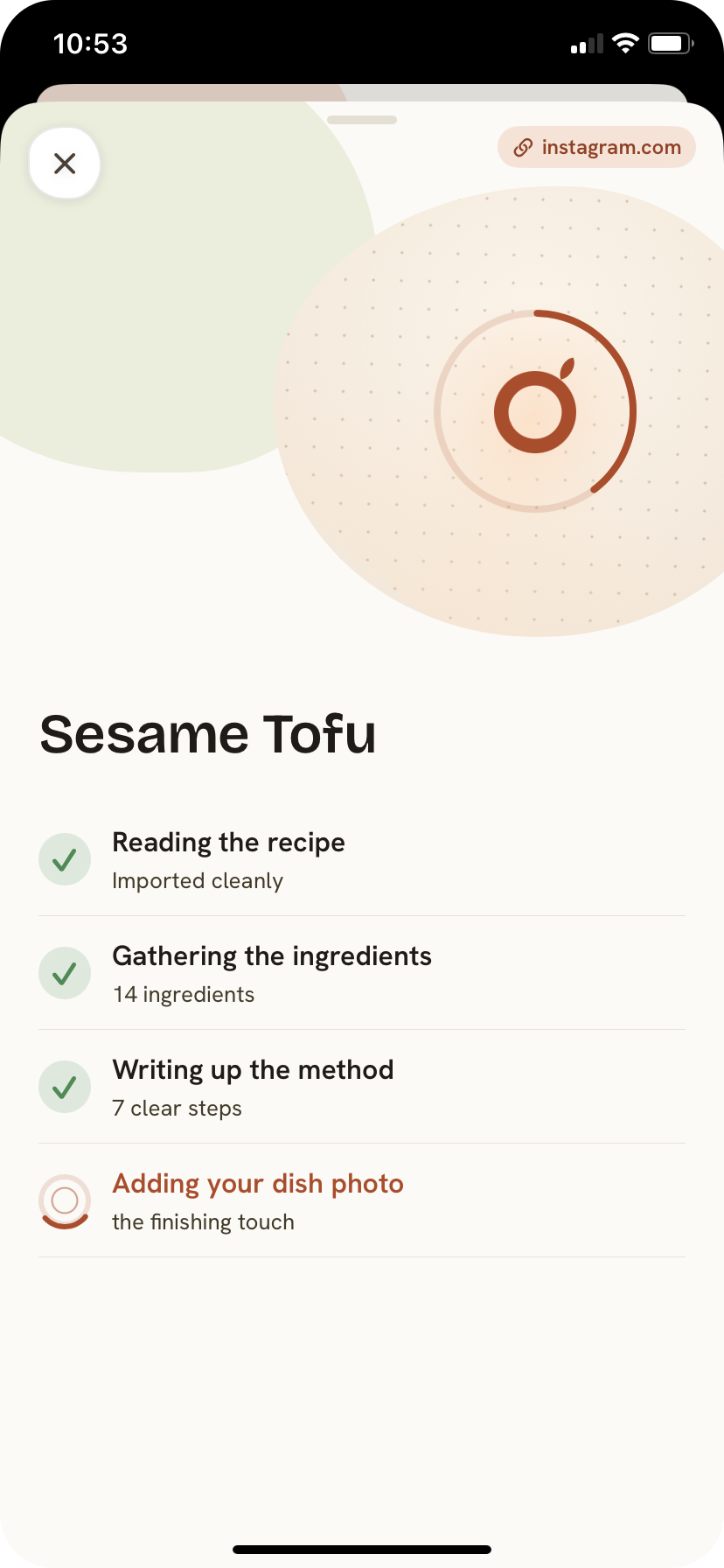
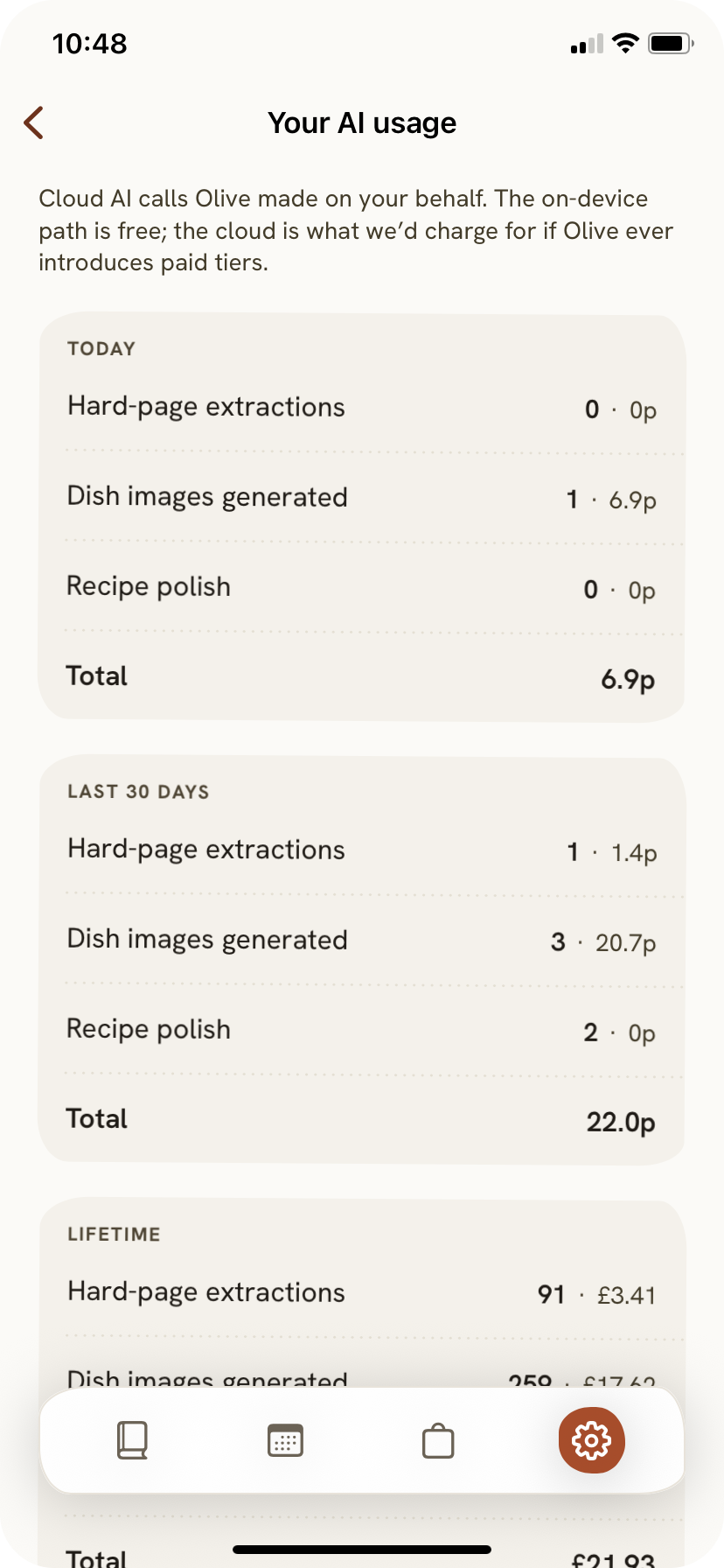
Recipes live in photos of cookbook pages, on websites behind ad walls, saved from Instagram, scribbled on the back of something. Olive can take any of these and normalise it into one structured format the rest of the app works from. For a website the import tries the cheapest path first, pulling schema.org markup if it exists and only falling back to a model if that fails. For photos, on-device OCR runs free and the result gets confidence-scored against known failure patterns before deciding whether to escalate to a cloud model.
Sonnet handles the hard vision cases, Haiku when there is enough text already, Gemini as a fallback. Instagram has its own path with an honest stub when the post is not actually a recipe. The principle underneath all of it is that work happens on the device first because it is free, and only reaches for cloud when the on-device result is not good enough.
What the model never touches
Every voice command and every quantity runs through a deterministic system that cannot hallucinate.
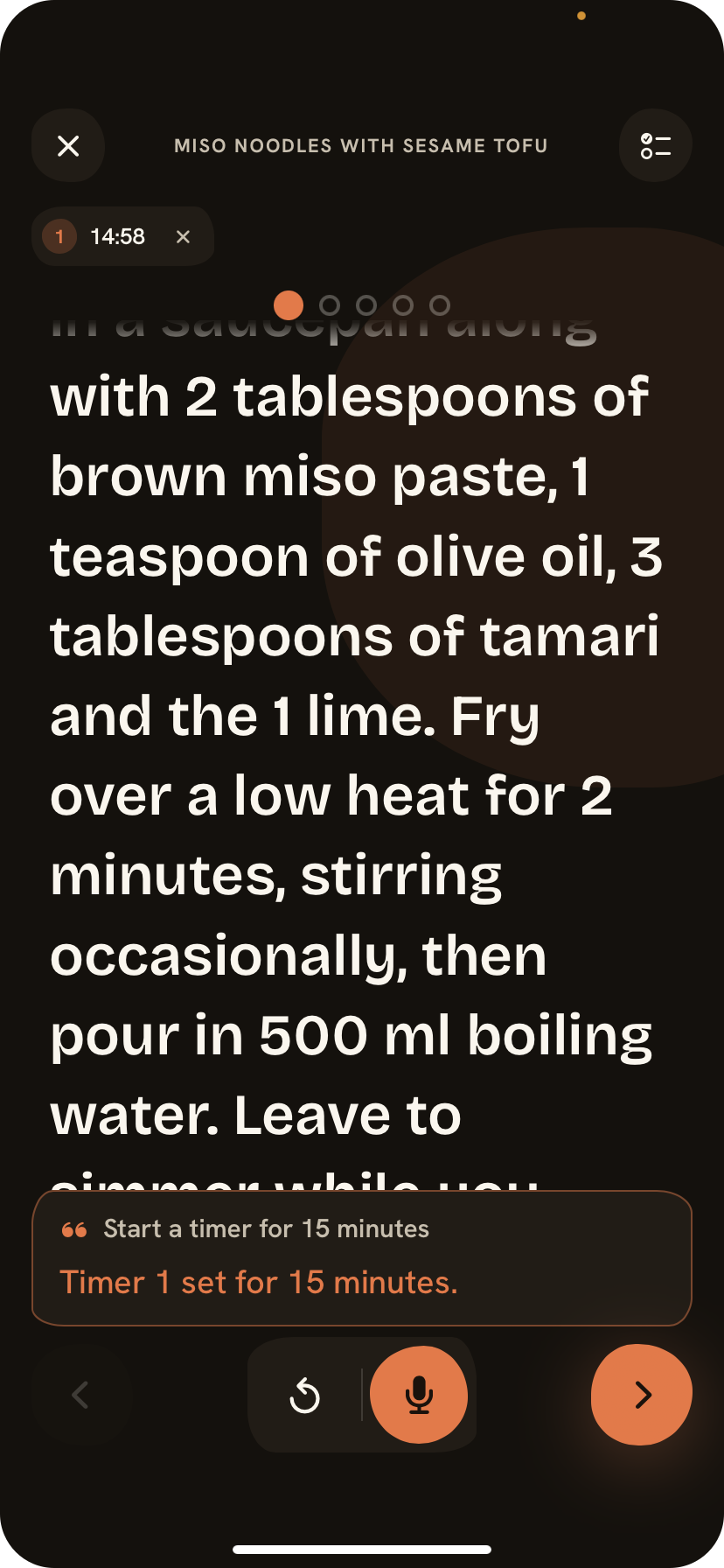
Quantities and ingredients always come from structured data, never from a language model, because a hallucinated substitution is not a typo, it is a ruined dinner or a dangerous one. Voice control in cook mode runs through a deterministic router with seventeen matchers handling navigation, timers, quantity lookups, shopping additions and cook notes. No model in the path, so they respond instantly and cannot get it wrong.
The language model only handles open-ended questions where being slightly wrong does not matter, and even then it never sees ingredient quantities. On iOS 26 voice runs on Apple Foundation Models on the device. For anything that needs more there is a remote fallback to Haiku, rate-limited and capped, which keeps cost predictable. Working out that split, what AI is allowed to touch and what it is not, took more time and thought than any other part of the build.
Knowing when it breaks
Over forty frozen test fixtures, exact-set ratchets, and a threshold sweep that found the right confidence gate.
The on-device extraction only works as a product if you know where its limits are. I built an evaluation system early with over forty frozen OCR outputs covering the range of layouts and handwriting the app sees in the wild, each with a Claude-authored answer key. Every change to the extraction pipeline runs against them, and exact-set ratchets mean a change that improves one case cannot silently regress another.
A threshold sweep from 0.30 to 0.95 is how I found the right balance between sending too much to cloud and letting too many bad extractions through on the device. It is the gate that keeps almost all of the work free and on the phone.
The details that add up
The small decisions that make it feel like it knows how you actually cook and shop.
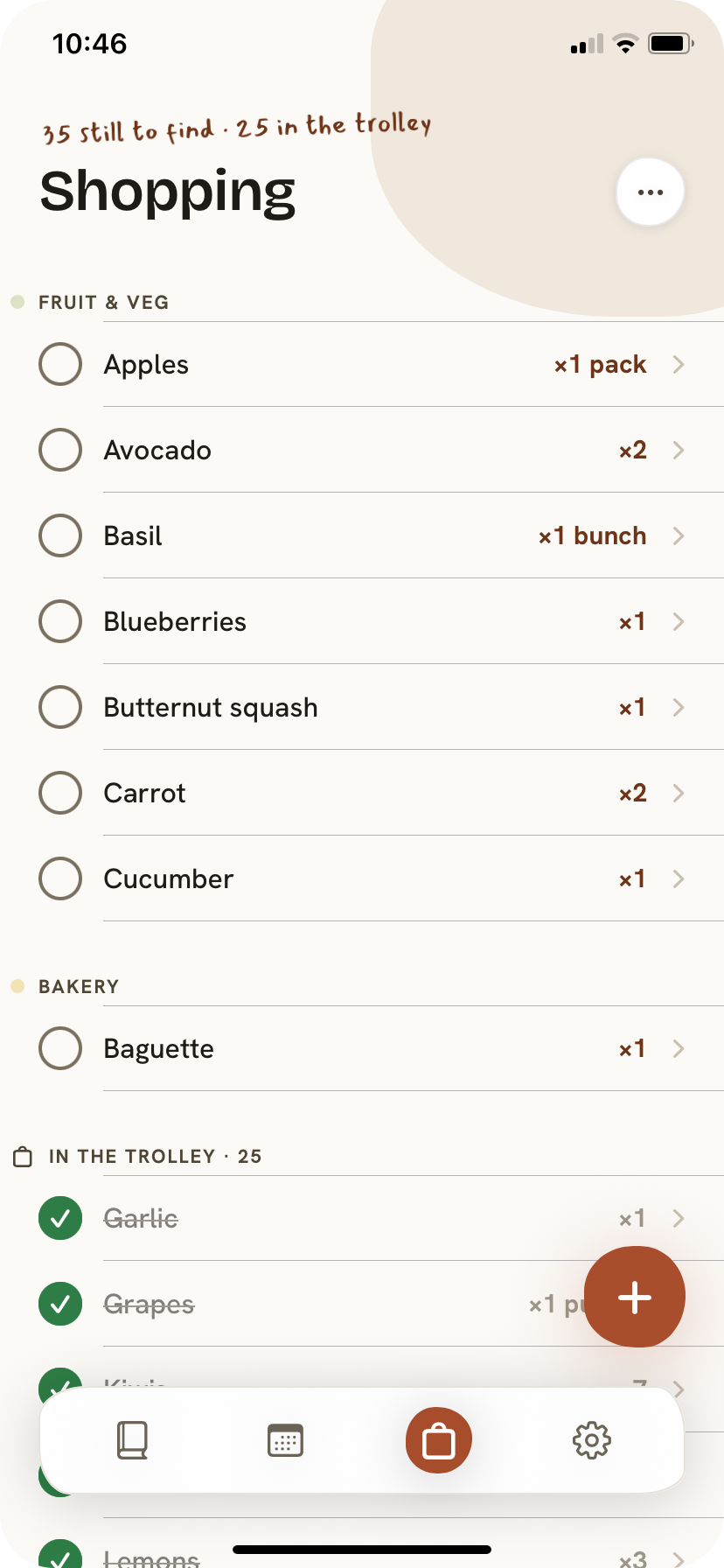
The shopping list pulls ingredients from every meal in the week and combines them so you only buy once, grouped by aisle so the list matches how you actually walk through the shop. It learns the order you tick things off and adjusts next time, and if you always buy oat milk in litres it remembers that rather than guessing from a single shop.
The taste profile does not ask you to fill in a quiz. It watches what you save to your library and works out what you like over time, waiting until it has seen enough to be confident rather than guessing early and getting it wrong. When you want to share a recipe with someone who does not have the app they get a clean page that looks like it belongs to Olive, without me needing to build and maintain a separate website.
How I built it
Solo, with no team to catch mistakes, the discipline has to be in the foundations.
The schema was designed once and shared across capture, planning, the shopping list and cook mode, which is what made v2 and v3 cheap instead of a rewrite. Design tokens are shared between the app and the website so the look cannot drift across surfaces. Where a cloud model is used it is chosen for what it is doing, and the vendor choice sits behind a single interface so swapping a provider is a one-file change.
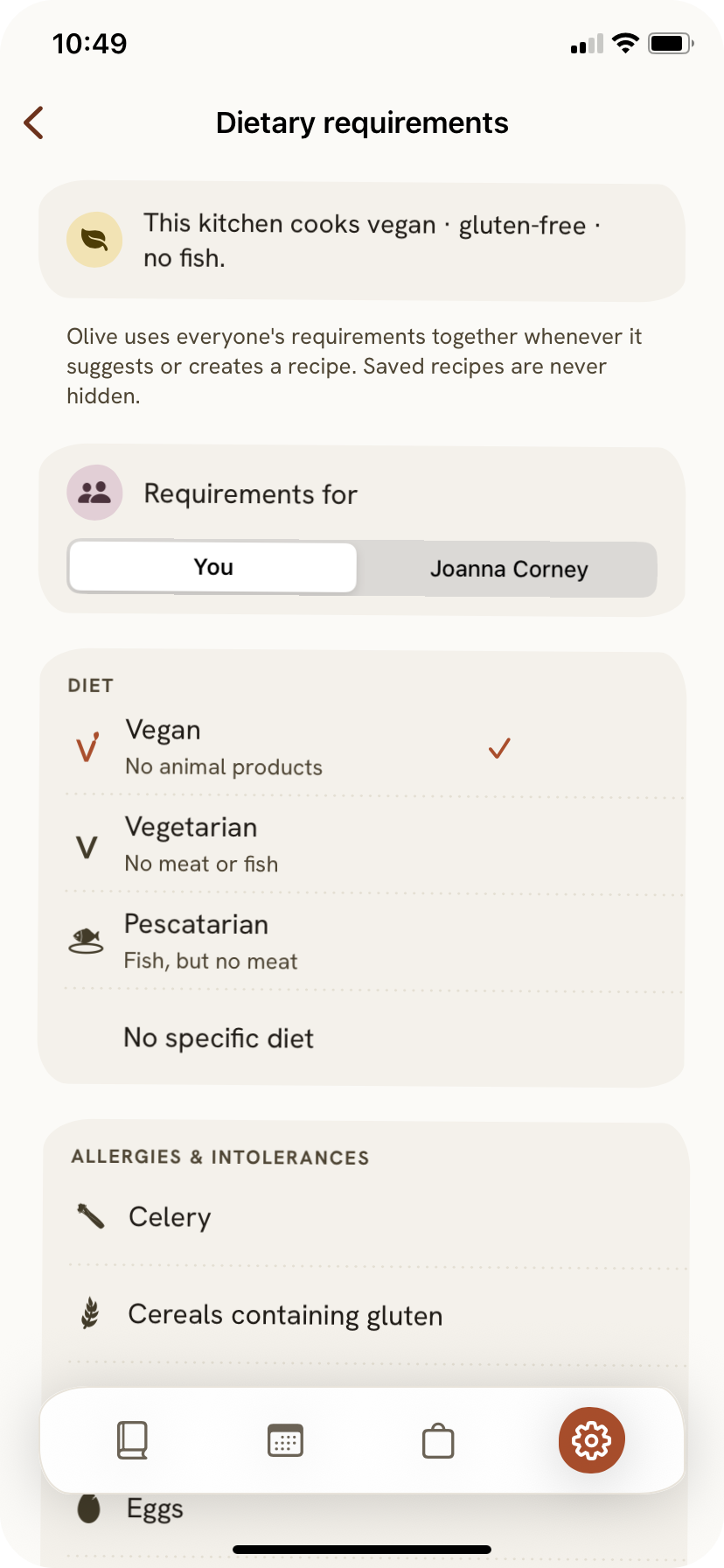
Accessibility was specced before any feature work started, from Dynamic Type to contrast that holds up in a bright kitchen to touch targets large enough to hit with a knuckle. Household sync runs through Supabase Realtime with Apple Sign In, aggregating to the strictest dietary profile when multiple people share a household.
Under the hood
The right model for each job.
Sonnet for vision extraction, Haiku for text and voice, Gemini as a fallback, and Apple Foundation Models for on-device voice on iOS 26. The vendor choice sits behind a single interface, so swapping it is a one-file change rather than a rewrite.
One schema, every path.
A single data model shared across capture, planning, the shopping list and cook mode. New features slot in rather than forcing a rewrite, which is what kept v2 and v3 cheap.
One design language.
The app and the website are driven from the same design tokens, so the look cannot silently diverge across surfaces, and accessibility was specced before any feature work started.
Built to be held.
Live in TestFlight and on the way to the App Store. My first mobile app, built solo and entirely with AI, owning every decision from the product down to the code.