Case study 03
Pip
I was tired of doing my thinking inside a chat window and losing my work to the AI abyss, so I built the workspace I wanted.
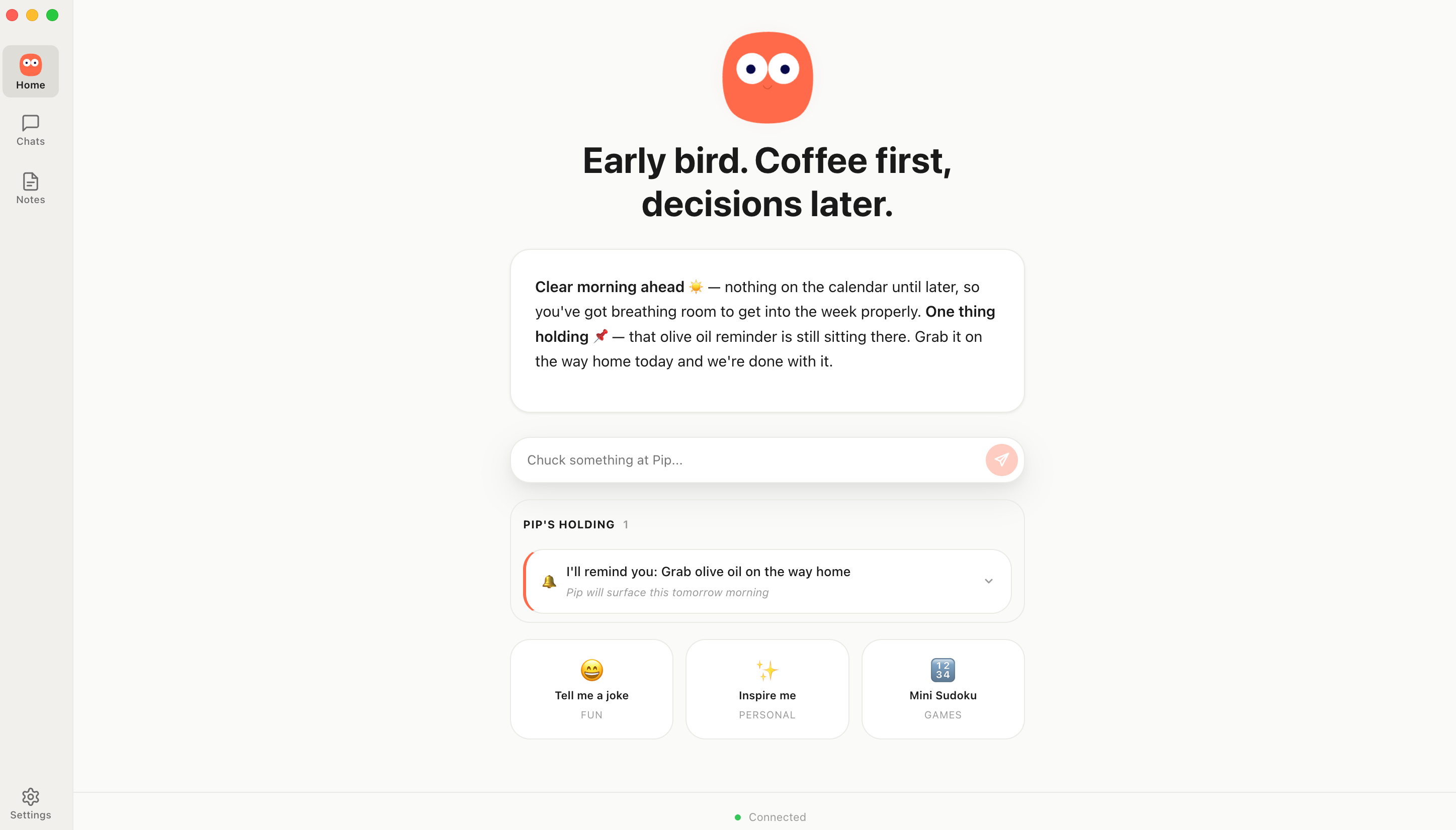
A place to write with AI in the same document, where the thinking accumulates instead of disappearing and I stay in control of the work. Built solo, entirely with AI, on my own time. A desktop app for Mac, a public beta that is live and downloadable, and the most technical thing in my portfolio.
What I built
- A desktop writing workspace where the AI writes in the document, not beside it
- Notes as real Markdown files on disk, in a folder you choose and can see in Finder
- A bridge that lets Claude read and write the same notes, with every change attributed
- An MCP client built from scratch, JSON-RPC 2.0 with a hand-rolled OAuth 2.1 flow
- A four-rung trust model and a provider-neutral model layer, local or cloud
- The whole thing shipped solo, entirely with AI, to a live public beta
The pivot
Built a personal assistant first. Killed it when the workspace was the only part that stuck.
I started building a personal assistant with morning briefings, obligation tracking, a proactive engine that chased commitments and a home screen that opened with "here's your day." After months of building, the failure pattern became clear. Briefings went stale, nudges misfired, and the assistant half only worked when every external source was live and correct.
The notes workspace, the part I had built almost as infrastructure, was the only surface I actually used. So I cut the assistant layer entirely, around eleven thousand lines, and made the workspace the whole product.
The workspace
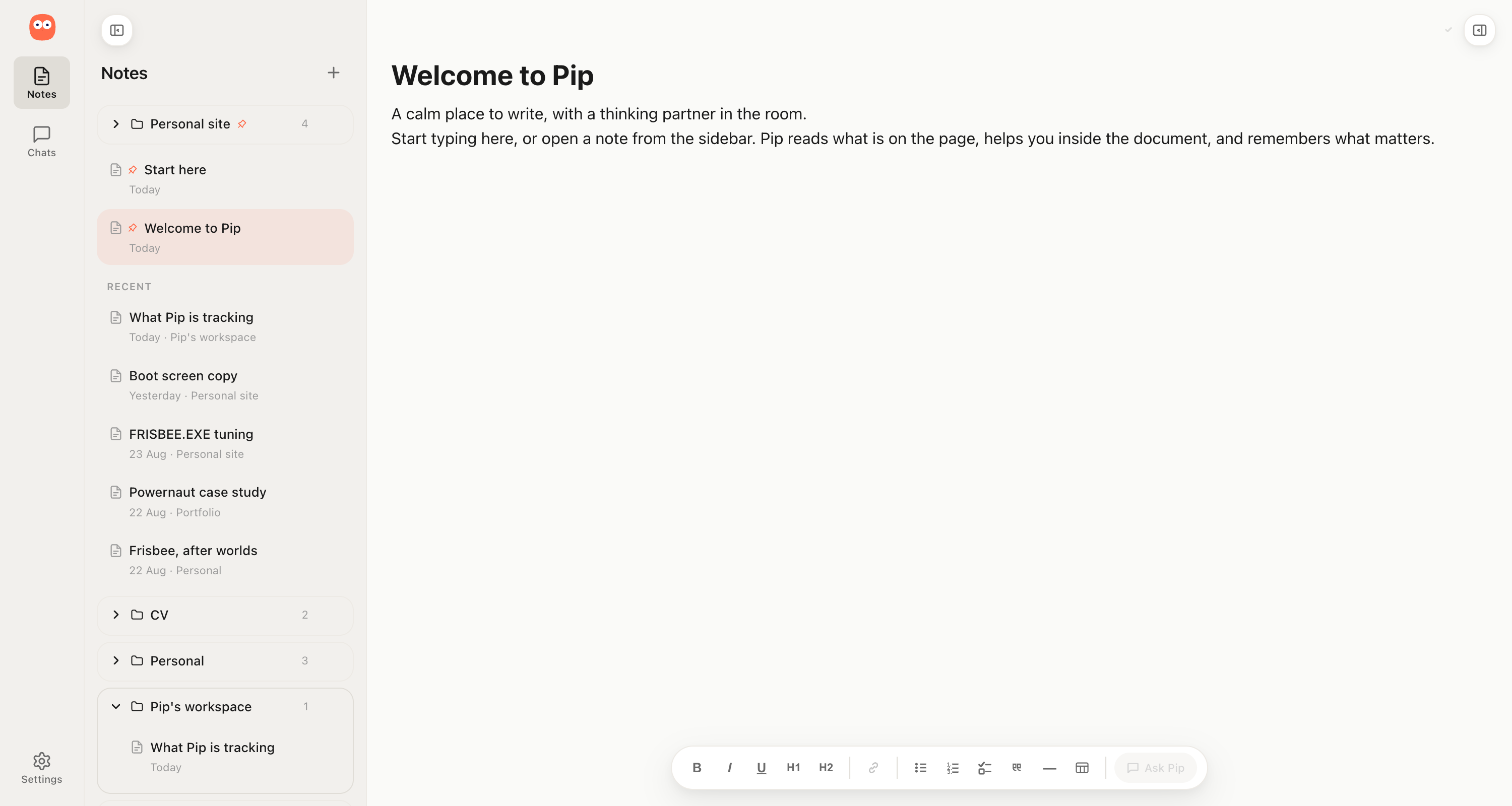
Notes as real files in a folder you choose, visible in Finder, editable anywhere.
Notes in Pip are files stored in a real folder on your disk, with the directory structure mirroring the folders you create inside the app. Moving a note in Finder moves it in Pip. Renaming it renames it. Creating a file by hand creates a note in the app.
I made this decision because the whole point of a workspace was that you could see and touch what you had made, and anything hidden inside an application database failed that test. The workspace folder is kept separate from Pip's own data, so credentials and config never travel with the folder you are most likely to sync or back up.
Working in the document
Two ways to collaborate, and a chat that knows what you have been thinking about across everything.
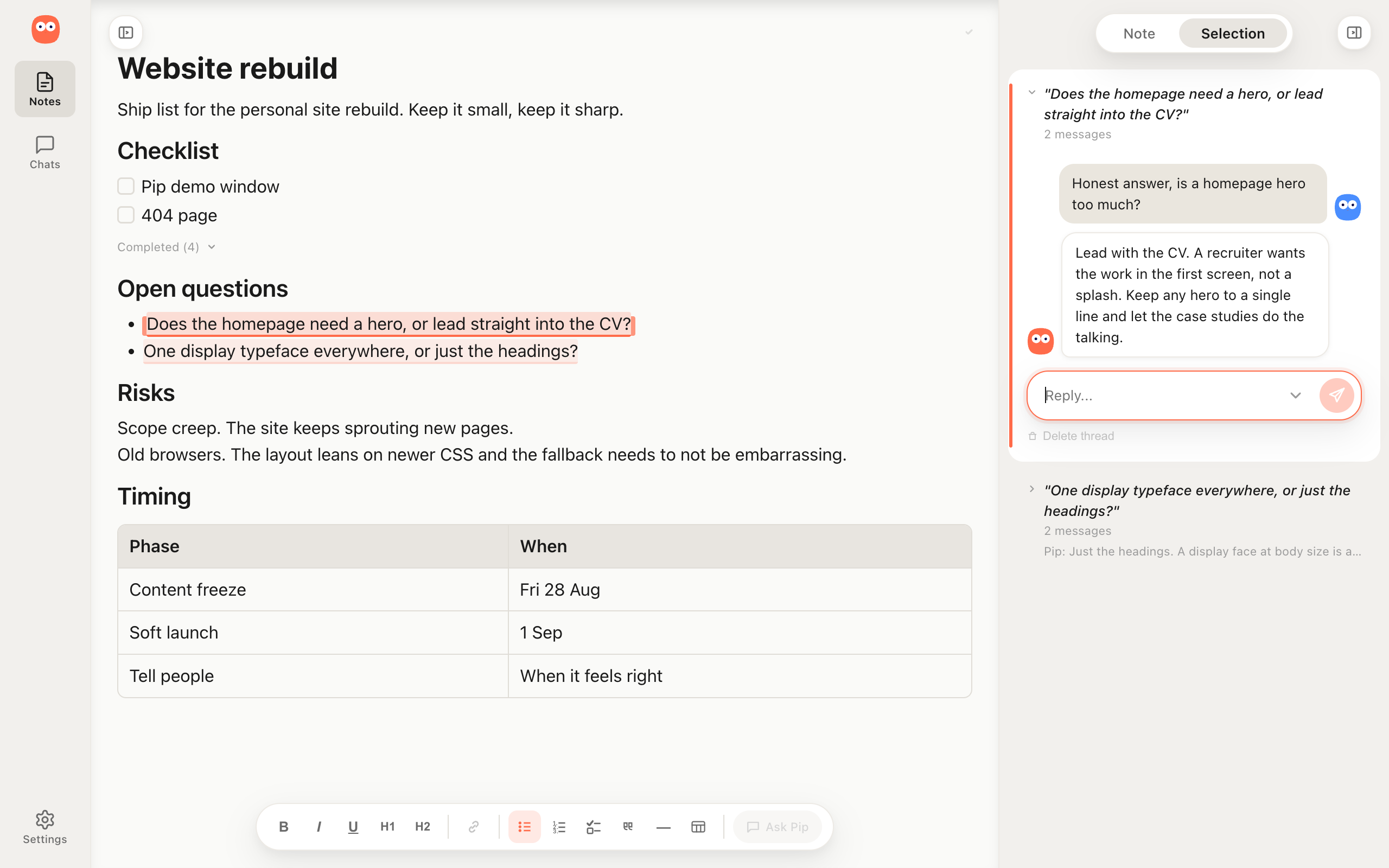
There are two collaboration modes inside the same note. In the first, Pip writes alongside you directly, both of you editing the same document. In the second, you highlight a specific part, a paragraph, a sentence, a claim you are unsure about, and open a conversation anchored to that selection. When Pip suggests a change it lands in the document in place, not in a chat message you have to copy across.
Alongside both of these sits a global chat that draws from your other notes, your journal and your working memory, so when you bring Pip into a problem it already knows what you have been thinking about and pulls in relevant material without being told where to look.
The bridge to Claude
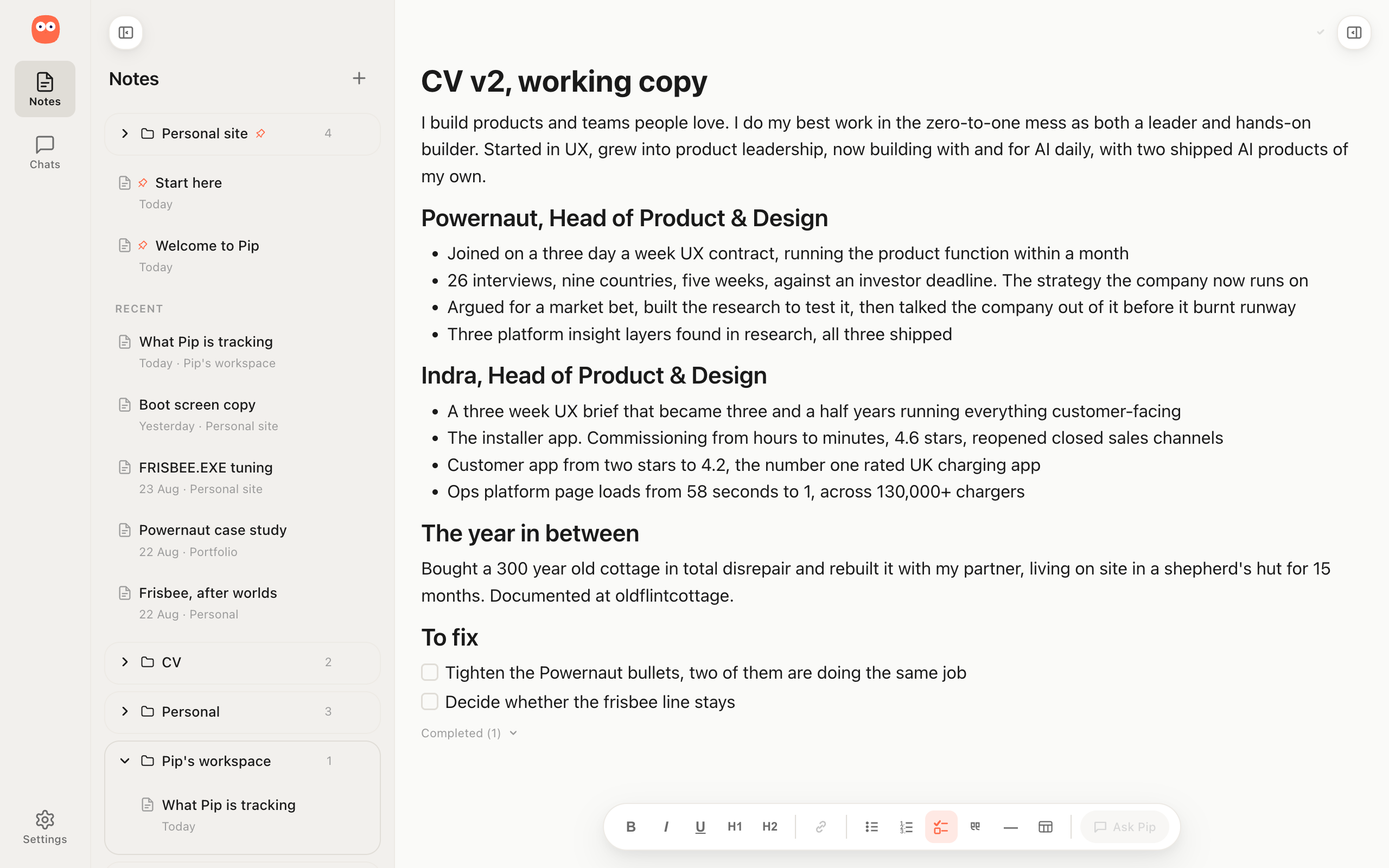
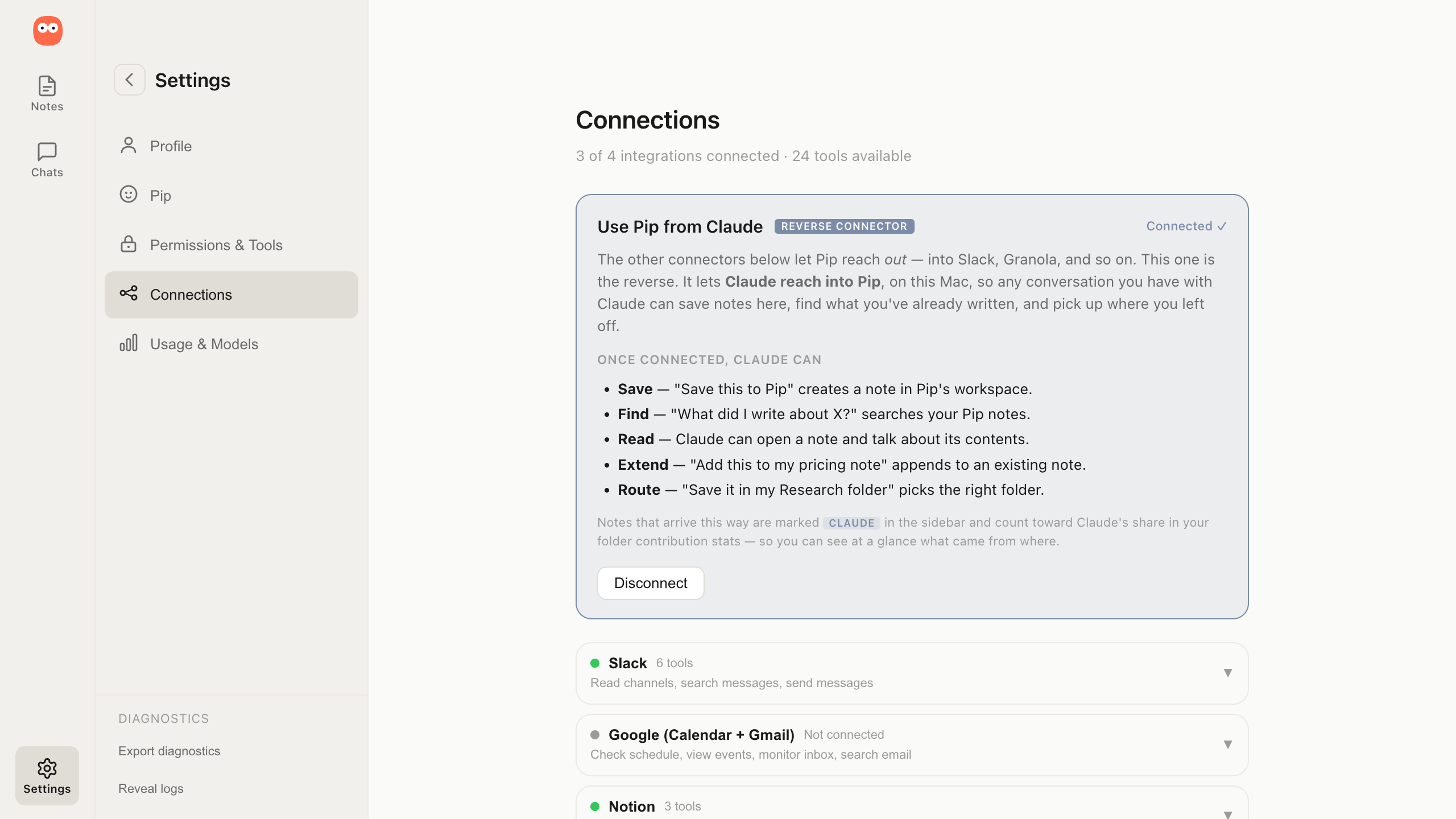
Claude can read and write the same notes folder, and you can see how much of a folder came from where.
Pip exposes its notes folder as a server that Claude Code and Cowork can reach, so from a Claude session I can save a note, search what I have already written, read a note back or add to one, all without Pip being open.
Notes that arrive through that bridge are marked as Claude's and count toward Claude's share of a folder, so the contribution balance shows at a glance how much of a folder came from me, from Pip, and from Claude. The folder on disk is the same folder either way, so the notes are a shared surface rather than something locked inside one app.
Connections
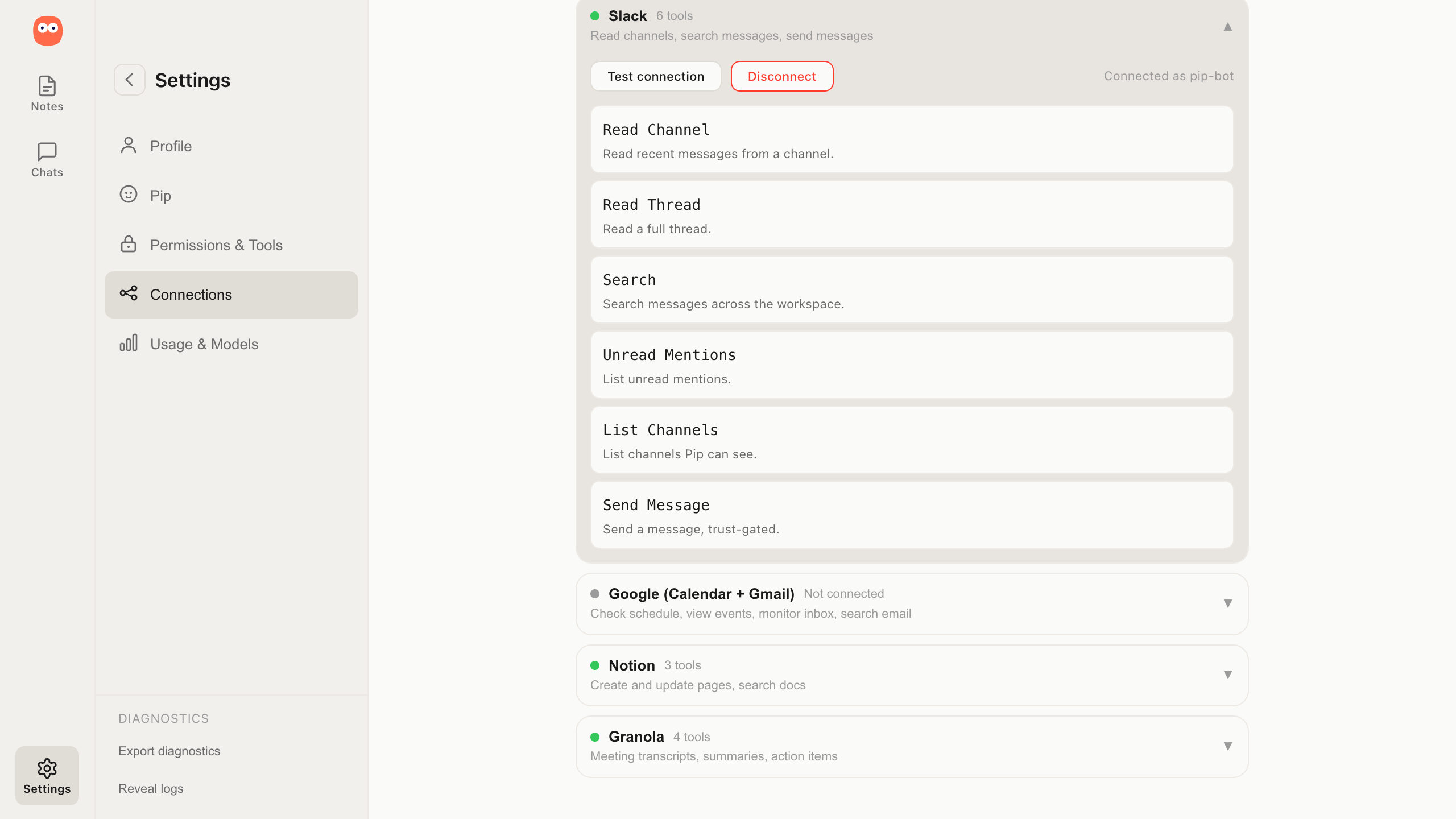
Slack, Gmail, Calendar and Granola as sources you pull from and destinations you publish to.
Pip connects to Slack, Gmail, Google Calendar and Granola, pulling material in when you ask for it and publishing finished work back out when it is ready. None of them are polled or monitored. When you are writing a note and need the context from a Slack thread or a meeting transcript, Pip fetches it on request.
When the note is ready to be shared it can push to Notion or send it in Slack. The notes stay the working surface and the connections are how material arrives and leaves.
Character and voice
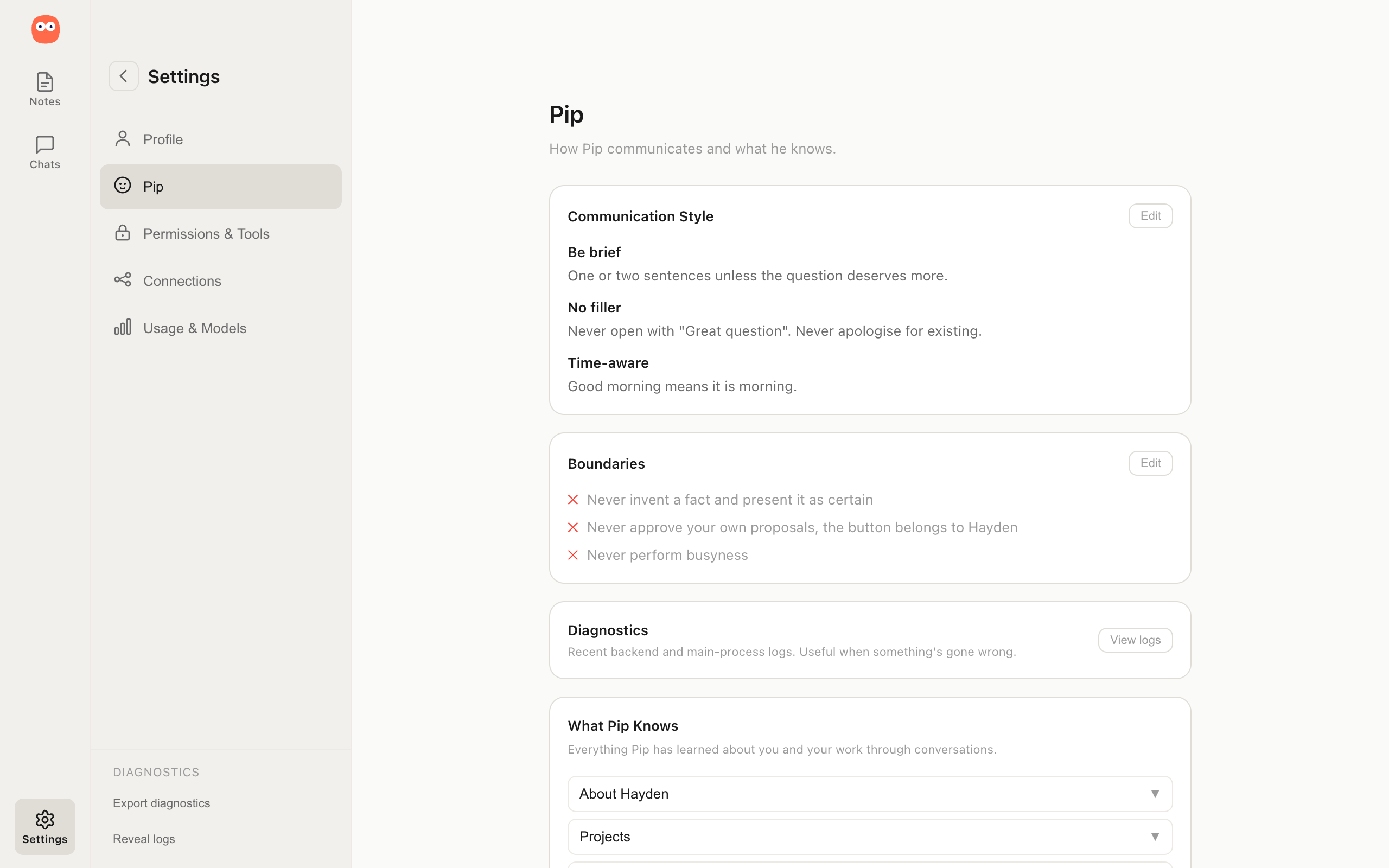
A named personality that learns how you write and drafts in your voice, not its own.
I gave Pip a name, a face and a written register I hold him to. Direct, warm, one sentence over three, with patterns he is never allowed to fall into so he cannot slide into the eager over-helpful voice most AI assistants default to. When he does not know something the rule I care about most is that he says so rather than inventing a plausible answer.
Beyond his own voice, Pip learns yours, studying your writing and producing drafts that match your sentence length, your word choices and your habits, so what comes out reads as something you could put your name to.
The trust model
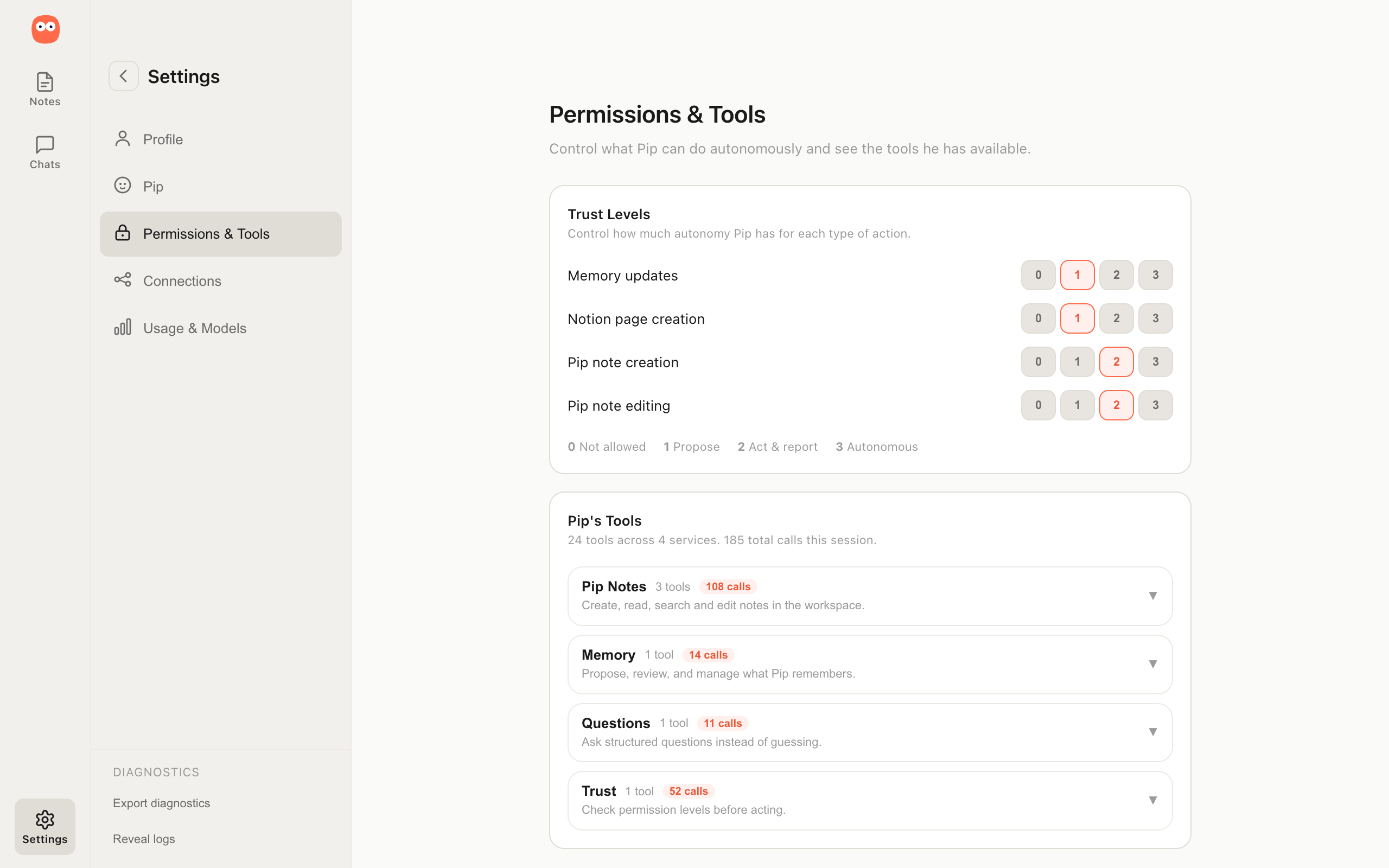
Four rungs of autonomy you set per category, because "more proactive" and "more autonomous" are different things.
Pip's permissions run on four rungs controlling what it can do without asking, with each category of action gated independently. Letting Pip handle meeting summaries on its own while keeping memory writes at the propose-and-approve level is a single settings change rather than a choice between cautious and capable.
Separating "more proactive" from "more autonomous" into two independent dials was one of the product decisions I resolved early, because an assistant that acts unprompted and one that acts without checking are different problems and the product needed to treat them that way.
Learning
Pip gets better over time, but nothing changes without your say.
When Pip notices a pattern or learns something new about you it files a proposal that sits waiting until you approve or dismiss it. A weekly reflection surfaces patterns across conversations that no single exchange would catch, and a self-critique checks Pip's own responses against his rules and flags when he drifts.
Over time a library of reusable procedures builds up from the way you work, each one proposed and approved before it sticks. The principle across all of it is the same. Pip suggests, you decide.
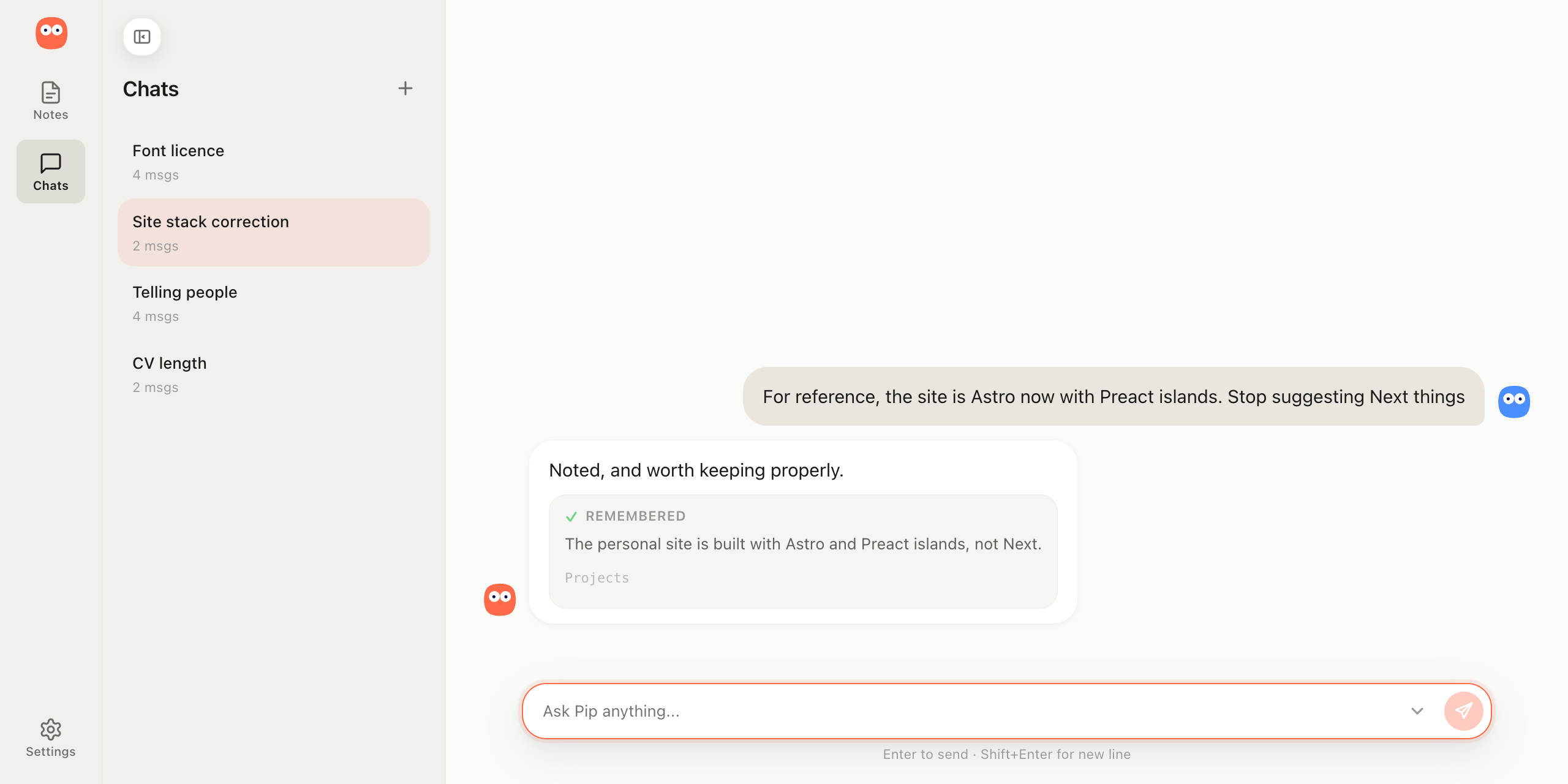
Model choice
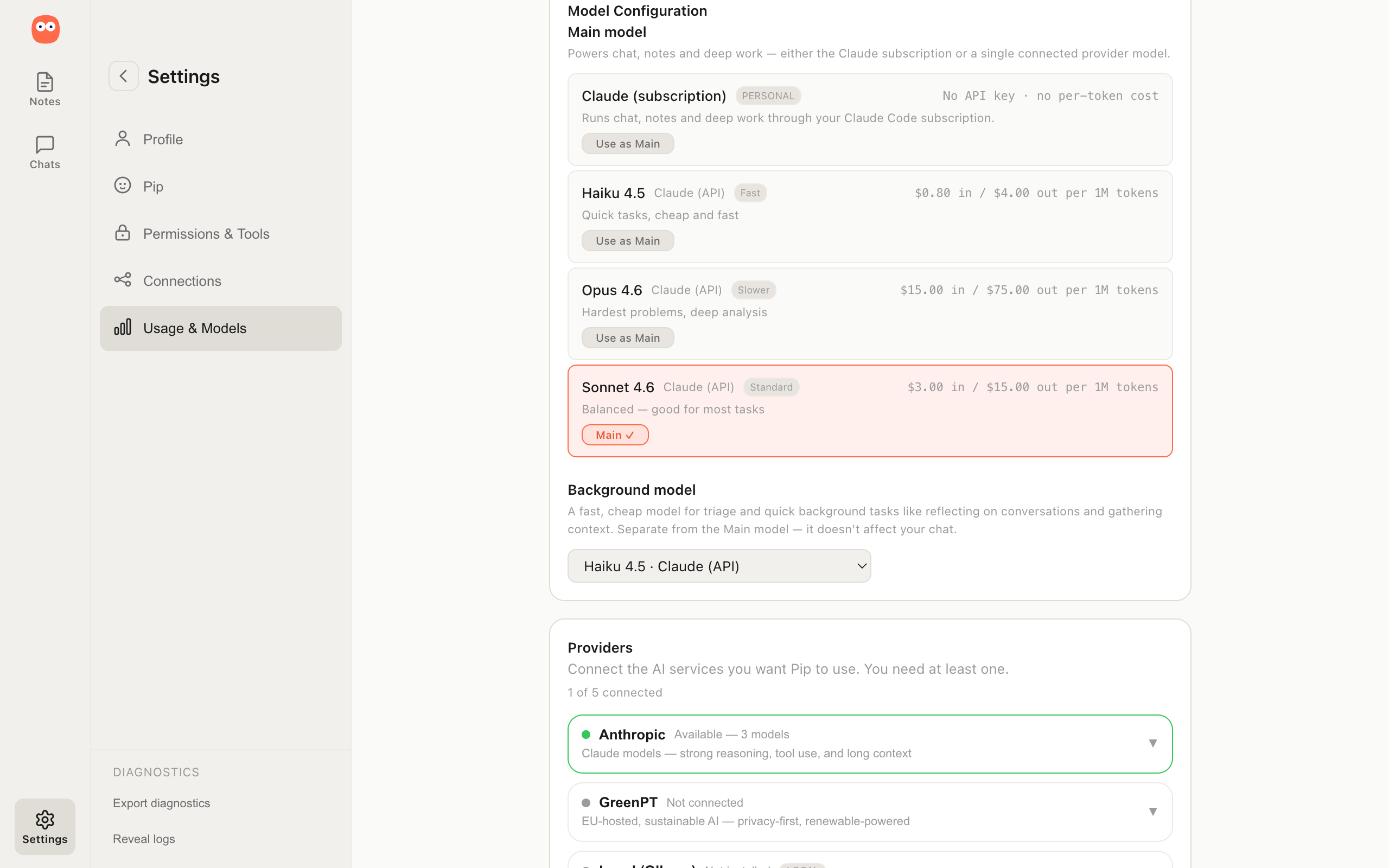
You pick the model. The product works the same either way.
Pip works with Claude, OpenAI-compatible services, or a model running entirely on your laptop. You choose whether to run local or through a cloud API and the experience is the same. A separate cheaper model handles background work like reflection so the cost tracks the kind of work being done rather than the volume of it, because a thinking partner you cannot afford to use regularly is not one.
Your notes, memory and configuration stay on your machine regardless of which model you choose.
Where I put the testing
A small test suite on purpose. Time is the constraint, so it lands where it has the most impact.
Most of Pip I check by eye, because most of what breaks breaks loudly and where I can see it. Writing a test for that spends time I do not have on a problem I would catch anyway.
The suite is built for the opposite, the failures that are invisible to me and would surface in what Pip produces. The clearest is a collaborative edit where unrelated content bleeds into a note and nobody notices, so that surface gets a strict eval it has to pass every time, twenty out of twenty. The testing goes where the failure would reach the output, and where my eye never would.
The through-line
The same principle runs through Pip and through this portfolio.
The "thinks with you, not for you" line I set for Pip is the same principle I set for this portfolio, that AI should sharpen how my story reaches you rather than replace it.
I build the same way across all of it, finding the real problem, making the case for it and building the thing that moves it.
The engineering underneath
The MCP client.
Pip's connections to external services run through an MCP client I built from scratch, JSON-RPC 2.0 over Streamable-HTTP, with a hand-rolled OAuth 2.1 flow including PKCE and dynamic client registration. Built to the current specs, solo, because I wanted to understand the protocol agents are going to run on rather than call a library that hides it.
The documentation system.
Because my team on Pip is me and an AI agent that starts cold every session, I moved the institutional memory into the documentation itself. One canonical identity document serves as both the system prompt and the behavioural spec, so the thing that tells the model how to behave and the thing that defines how it should behave cannot disagree. Around it sit immutable decision records holding what I rejected and why, so a later session cannot quietly reopen a settled call.
The model adapter.
A provider-neutral layer the engine talks to, so a cloud model and a local one are the same shape as far as Pip is concerned. Swapping the model does not touch the product.
The working memory.
A scored model of what you have been thinking about, hot, warm and cool, built from the notes and threads you touch and cooling as you leave them alone. The global chat reads from it, which is how Pip arrives already knowing the thing you are in the middle of without you having to name the note.